
Start with a reference.Make it something real.
Upload an image. Tell us what you have in mind.
Design images, 3D models, reliefs and sharper details—all in one place.
Image to 3D
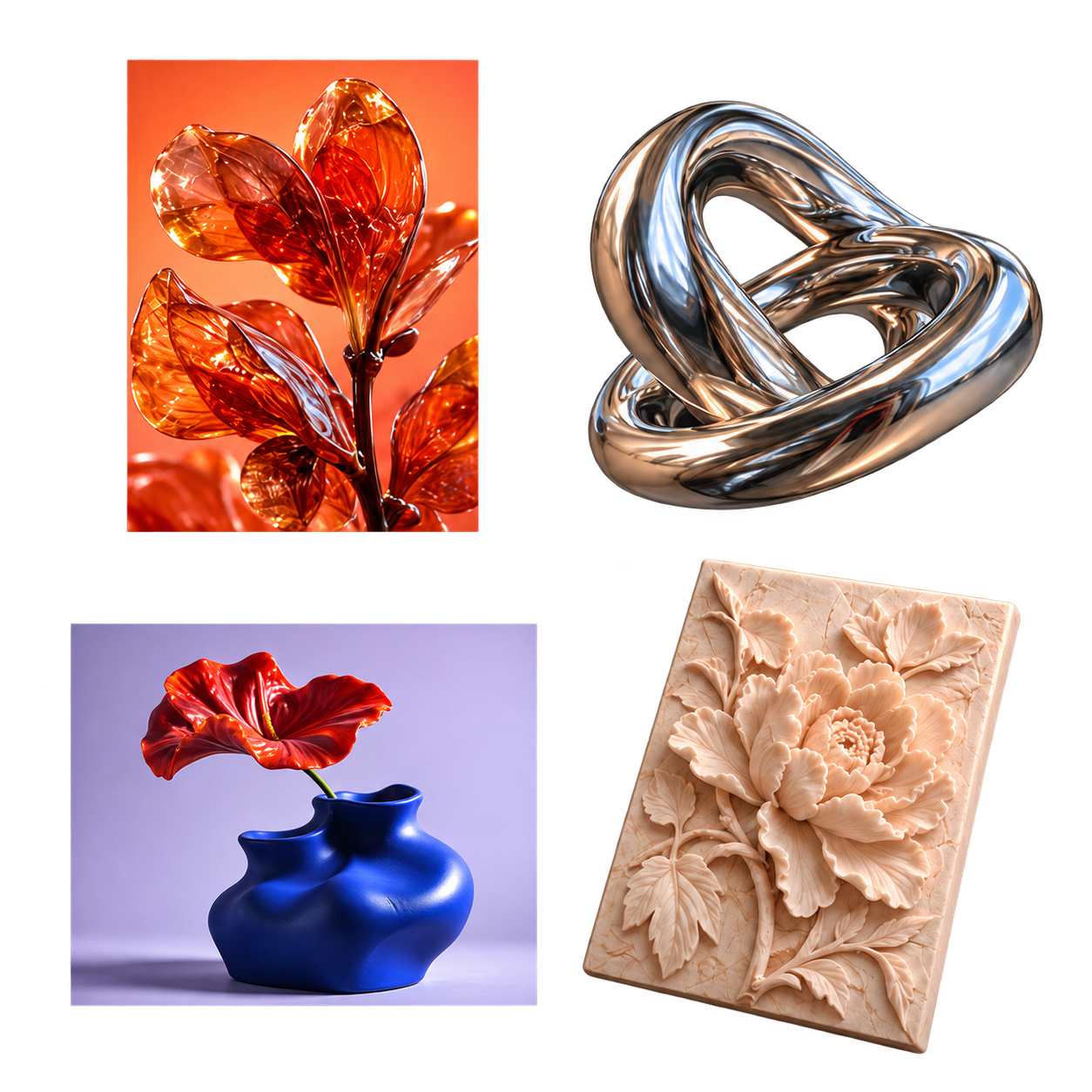
Turn this image into 3D and keep the twisted shape.GLB · STL · OBJ
Four ways to create
01 / POSSIBILITIES- 01
Image to 3DGLB · STL · OBJ
Turn this image into 3D and keep the twisted shape.
Reference illustration Result illustration - 02
Depth reliefPNG · EXR depth maps
Give the petals more depth
Reference illustration Result illustration - 03
Image designPNG
Keep the shape. Make the glaze Klein blue.
Reference illustration Result illustration - 04
Image enhancementHigh-resolution images
Make it twice as large and sharpen the veins
Reference illustration Result illustration
Design illustrations, not user creations. Actual results depend on your input and settings.
Explore examplesOne conversation, from idea to result
02 / WORKFLOW- 1
Share an image and an idea
Type or transcribe your voice. Review it before sending.
- 2
Review, then confirm
Check the plan, settings and estimated credits before generation.
- 3
Explore it. Keep creating.
Preview, download or keep refining the same idea.
Buy credits. Create at your pace.
03 / CREDITSTop-ups are not available yet
You can still explore the available features. Sign in to view any existing orders.
One-time top-ups, no subscription. Conversation and generation are billed separately.
Pricing and credit detailsFrequently asked questions
Can I start without prompt-writing skills?
Yes. Upload a reference and describe what you want in everyday language. Try “Make this 3D and keep the twisted shape.” The assistant will ask if it needs more detail.
Can I manufacture or print a model directly?
Generated results are for exploring ideas. Dimensional accuracy and manufacturing suitability are not guaranteed. Available downloads depend on the actual result; professional checks are needed before production.
How are credits used?
Conversation and generation use credits separately. Each generation shows an estimate and starts after confirmation. Conversation processing also has a cost. See pricing for packages and billing details.
What can I create?
Explore image design, image-to-3D, depth relief, and image enhancement. Describe what you need, or choose a capability and adjust its settings. During beta, availability is shown in your workspace.
Start with the image you have
You don’t need to learn complex software to share an idea.